Singpass Locked Out? Fix It Fast With This 2026 Guide

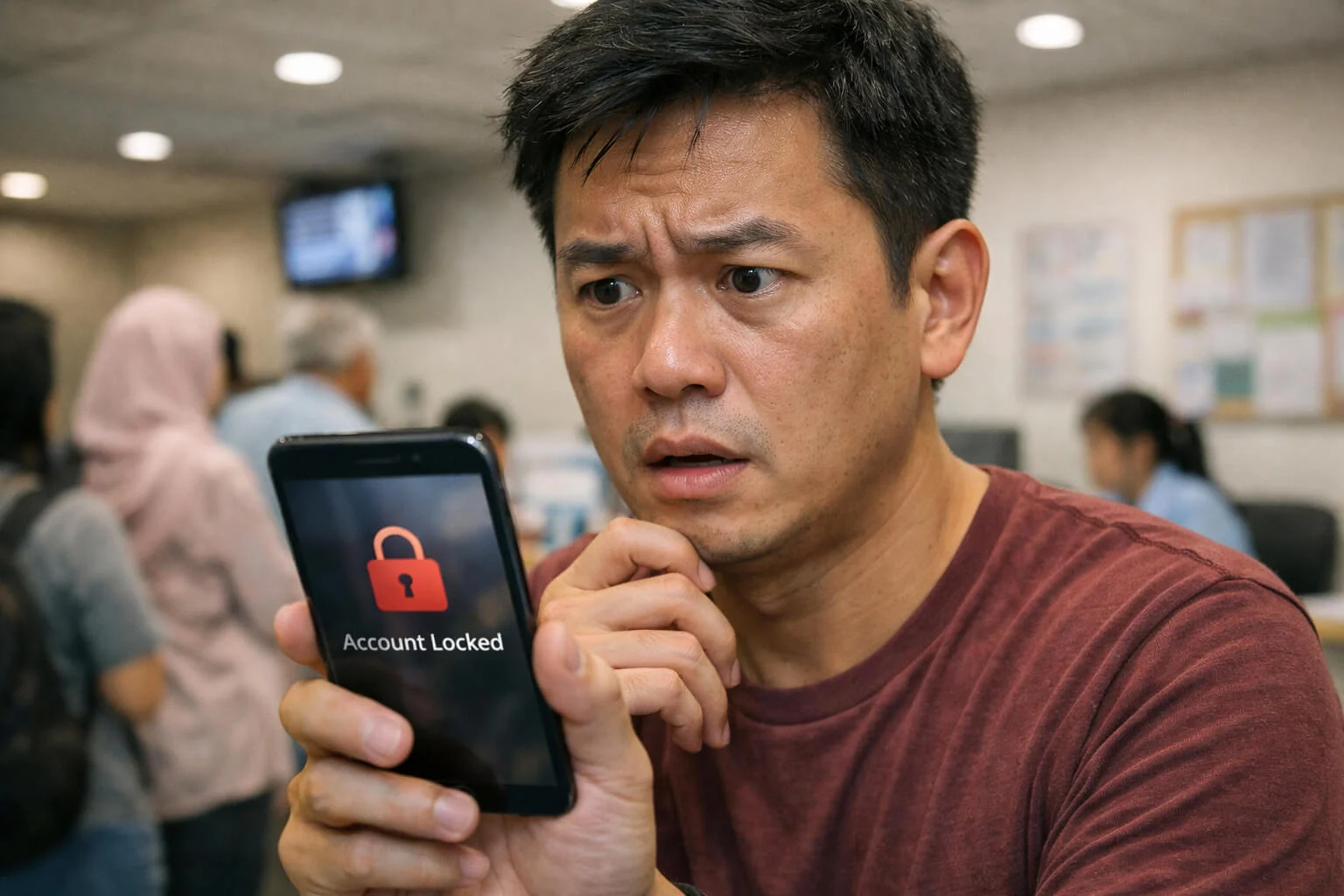

It’s 3 PM. You’re at a polyclinic or a bank counter. You need to log in to Singpass or your banking app. You try once. Wrong password. You try again. “Account Locked for Security.” Now what?
⏱️ TL;DR: Don’t Panic, Read This First!
- Main Culprit: Most lockouts happen during phone trade-ins at Sim Lim or Funan. Always de-register your digital token before wiping your old phone.
- Singpass Fix: If locked, use Face Verification on the official site or visit the nearest Community Club (CC) counter.
- Password Hack: Stop using your birthday or “Password123”. Use a Password Manager—it’s 2026, let the app remember for you!
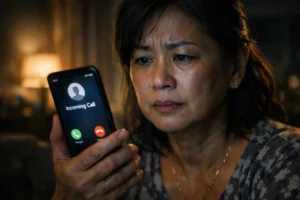
- Red Flag: Any “DBS” or “Singpass” call on WhatsApp is a SCAM. Hang up immediately.
Reading time: 2 mins if you’re fast, 5 mins if you’re sipping Kopi.
Pro Tip: Not tech-savvy? Just head to the nearest ServiceSG Centre or Community Club. Most have digital ambassadors ready to help you unlock your Singpass on the spot. Steady pom pi pi!
The Singapore Lockout Moment: You’re at the Counter… and the App Says “Try Again Later”
We’ve all seen it. Someone at the front of the queue at a DBS branch or an ICA counter, staring at their phone with a look of pure, cold sweat. They just changed their phone yesterday, or they forgot that one special character in their password, and now the system has shut them out.
In 2026, being Singpass locked out isn’t just a minor annoyance; it’s a total freeze on your daily life. We live in an “app-gated” society. From booking a squash court to checking your CPF, everything requires a digital key. When that key breaks, the panic loop begins. But here’s the truth: most lockouts aren’t caused by hackers. They are caused by our own tech habits.
Quick “Lobang” for 2026:
Most lockouts happen during the ‘New Phone Season’ (usually around iPhone or Samsung launches). If you’re heading to Funan or Sim Lim for a trade-in, do not—we repeat, DO NOT—reset your old phone until you’ve scanned the Singpass Face Verification on your new device.
The 3 Big Causes of Lockouts (Plain English)
1. The “Mental File” Problem: We have too many accounts. When we get forced to change a password every 90 days for work, we start creating “variations” (Password123, Password!123) that our brains eventually scramble.
2. The Single Point of Failure: Your two factor authentication (2FA) is often tied to one physical device. If that device is lost, broken, or traded in at Sim Lim Square before you migrate your accounts, you are essentially locked out of your own house.
This “single device” problem also shows up in everyday smart home life (aircon IR blasters, smart plugs, home apps) where accounts and devices are tightly linked.If you’re just starting, see:Singapore Smart Home Starter Guide.
3. Security Triggers: Banking apps are sensitive. If you try to log in from a new phone while on a VPN or a public Wi-Fi in another country, the system might flag it as suspicious and freeze the account to protect you.
Passwords: The System That Stops the Madness
Stop trying to remember 50 passwords. It’s a losing battle. A password manager Singapore guide for regular people usually says the same thing: use a manager. These apps generate complex, unique passwords and remember them for you.
The common mistake? Saving your passwords in the “Notes” app on your phone or taking screenshots. If someone gets into your phone, they have everything. Use a dedicated, encrypted manager instead. It’s the difference between a high-security safe and a post-it note on your front door.
2FA Types Explained (So You Know What You’re Using)
SMS OTP (The Fragile Classic): Convenient, but OTP SMS not working Singapore is a common complaint. It relies on the telco. If you’re overseas and your roaming isn’t on, you’re stuck.
Authenticator Apps: Much safer. They generate codes offline. But—and this is a big but—the codes live inside the app on that phone.
Push Approvals: Like the Singpass app or bank digital tokens. You get a notification, you tap ‘Approve’. Simple, but tied to your device identity.
Backup Codes: These are the 10-digit codes websites give you “just in case.” Most Singaporeans ignore them. Store these codes safely (offline!). They are your master key when your phone is gone.
The “New Phone” Problem (Most Common Singapore Scenario)
How to avoid getting locked out after changing phones? It starts *before* you leave the shop.
- BEFORE you wipe the old phone: Open your banking apps and Authenticator apps. Look for “Transfer” or “Remove Device” settings. Most banks require you to “De-register” the old phone before the new one can become the primary token.
- AFTER you get the new phone: Set up your banking apps first. Do not wait until you actually *need* to pay someone. Reset 2FA after new phone flows usually require an identity check (like a face scan or an SMS to your registered number).
Singpass & Banking Apps: Avoiding the Panic Loop
If you find yourself locked out of Singpass what to do? First, stop. Don’t keep trying the same password. After three failed attempts, the cooldown period gets longer.
Check your account recovery checklist Singapore: Do you have an updated mobile number and email registered with Singpass? You can often reset your password via the official Singpass website using face verification or by visiting a physical Singpass counter at a Community Club. For banking, have your physical ATM card or NRIC ready before calling their official support line.
Need a step-by-step flow for account locked, face verification, or OTP issues? Use:Singpass troubleshooting: account locked, face verification & OTP.
A 15-Minute Security Setup That Prevents 80% of Lockouts
Spend 15 minutes this weekend doing this:
1. Turn on backup methods: Don’t just rely on one phone. Add a backup email or a secondary phone number if the app allows it.
2. Download Backup Codes: For Google, Apple, and Facebook. Print them out or write them in a physical notebook.
3. Use Passkeys: Passkeys Singapore explained simply—it’s using your phone’s face or fingerprint scan instead of a password. It’s much harder to “forget” your own face.
As of 2026, most Singapore banks have moved away from SMS OTP for high-value transactions. If you haven’t enabled Passkeys on your banking app yet, you’re basically asking for a lockout during your next Shopee spree.
| Method | The “Sian” Factor (Annoyance) | Security Level |
|---|---|---|
| Passwords | High (Always forget lah!) | Low 🔴 |
| SMS OTP | Medium (Waiting for SMS…) | Medium 🟡 |
| Passkeys | Low (Just use face/thumb) | Ultra High 🟢 |
The Red Flags: Security + Scam Awareness
2026 TREND ALERT
The “Fake Officer” Voice AI
In 2026, scammers use AI to mimic the voice of your bank manager or even a family member.
Remember: No government agency in Singapore will ever call you on WhatsApp to ask for your password. If the call is “urgent” or “threatening,” it’s 99% a scam. Steady po pi, stay calm and hang up.
If you get a call or a WhatsApp from someone claiming to be “DBS Support” or “Singpass Technical Help” saying you are locked out—hang up. Official institutions will never ask for your OTP, your password, or a screenshot of your 2FA screen. Those are the red flags of a scammer trying to take over your account.
For the latest scam patterns (including AI voice / impersonation tactics) and what to do next, read:AI scam alerts in Singapore.
Quick Checklist (Save This)
✅ Do This
- Set up a password manager to stop using the same password everywhere.
- Download your 2FA backup codes and keep them in a physical safe place.
- Update your contact details (mobile and email) in Singpass and banking apps today.
- Migrate your Authenticator app *before* wiping your old phone.
- Use Passkeys where available to simplify your login process.
- Keep your banking app and phone OS updated to the latest security version.
- Set up “Find My Device” so you can lock your phone if it’s stolen.
- Check your email recovery settings; it’s the master key to everything else.
- If a login fails twice, stop and check your password manager.
- Use the official support channels if you are truly stuck.
❌ Avoid This
- Do not use “Password123” or your birthday for any account.
- Do not share your OTP or Singpass 2FA code with *anyone*, even “support.”
- Do not take screenshots of your passwords or backup codes.
- Do not keep trying to log in if the app says you have one attempt left.
- Do not wipe your old phone until you are 100% sure the new one works.
- Do not use public Wi-Fi to log in to your bank without a VPN.
- Do not click on links in SMS messages claiming your account is “suspended.”
- Do not rely on SMS OTP as your *only* backup method if you travel often.
- Do not share your phone’s passcode with casual acquaintances.
- Do not ignore “New Login” notifications if they weren’t from you.
Official Context & Safety Disclaimer
This guide provides general best practices and does not constitute technical or legal advice. If you are experiencing a security breach or are locked out of critical accounts, always refer to the official Singpass Help Centre, the Cyber Security Agency (CSA), or your specific bank’s official support page (e.g., DBS Support). Never share sensitive credentials with third parties.
🕰️ One Small Moment
“I was at the airport, ready to fly, and I needed to access my digital insurance. I had just upgraded my phone that morning. I realized I hadn’t moved my Authenticator app over. I was standing at the boarding gate, unable to prove my coverage because the code was on a phone that was currently in a ‘Trade-In’ bin at Funan. I had to call my brother to go into my room, find my old notebook where I’d scribbled the backup codes, and read them to me over the phone. That 5-minute panic taught me one thing: always have a physical backup.”
Always use official recovery channels and never share OTPs, passwords, or 2FA screenshots with anyone claiming to be “support”.