ERP 2.0 Is Coming to Every Car in Singapore: Where to Install the OBU and What Can Go Wrong

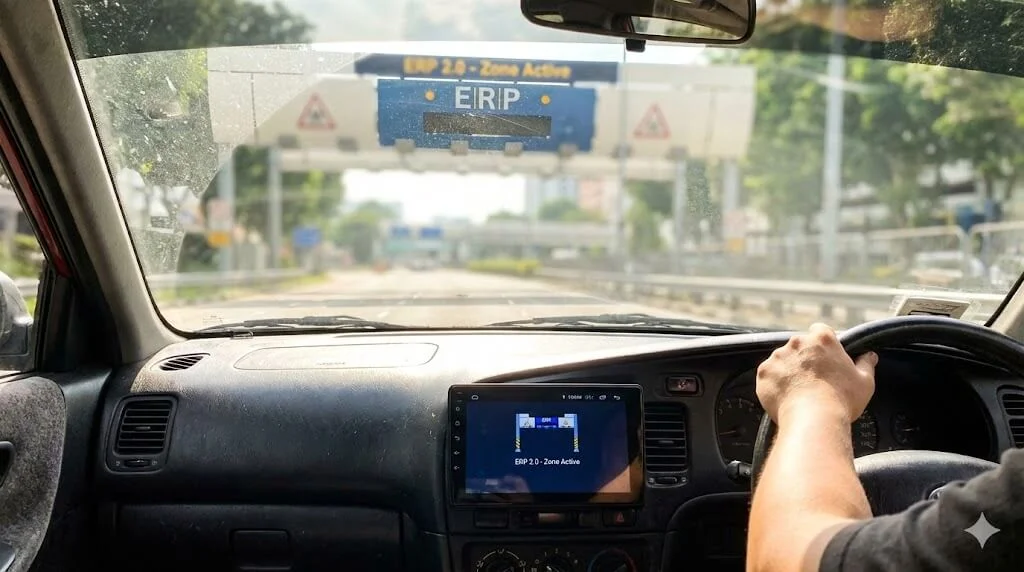

Let’s be real for a second. Nobody woke up this morning excited about the new ERP 2.0 On-Board Unit (OBU). We liked our old IUs. They were small, they held our CashCards, and they didn’t require a manual to figure out.
But the letters are going out. The Land Transport Authority (LTA) is pushing ahead with the rollout, and if you drive in Singapore, you are getting one. The new “three-piece” design has been the butt of jokes in every coffee shop from Jurong to Tampines, mostly because of that chunky processing unit. However, ignoring it won’t make the notification letter go away.
So, rather than complaining about the aesthetics, let’s look at how to actually live with it. If you are worried about where to mount the hardware or why your card keeps erroring out, here is the unvarnished guide to surviving the switch.
Why Are We Even Doing This? (The System View)
It feels like a downgrade in user experience, right? But from a pure infrastructure standpoint, the old gantry system is basically a dinosaur. It takes up land, costs a fortune to maintain, and is rigid.
ERP 2.0 is shifting us to a Global Navigation Satellite System (GNSS). It’s not just about charging you $2 to enter the CBD. This is a massive data play. The goal is to digitise the entire road network. Eventually, this tech gets rid of physical gantries entirely and allows for things like virtual parking coupons that start and stop automatically. It is painful now, yes. But it cleans up the streetscape later.
The Installation Headache: Making the Right Choices
The old IU was one piece. Stick it on the windscreen, done. The new OBU is three pieces (for cars): Antenna, Processor, and Touchscreen. This fragmentation is where the trouble starts.
1. The Processor Placement Debate
You have two real choices here, and neither is perfect.
The LTA Recommendation (Passenger Footwell):
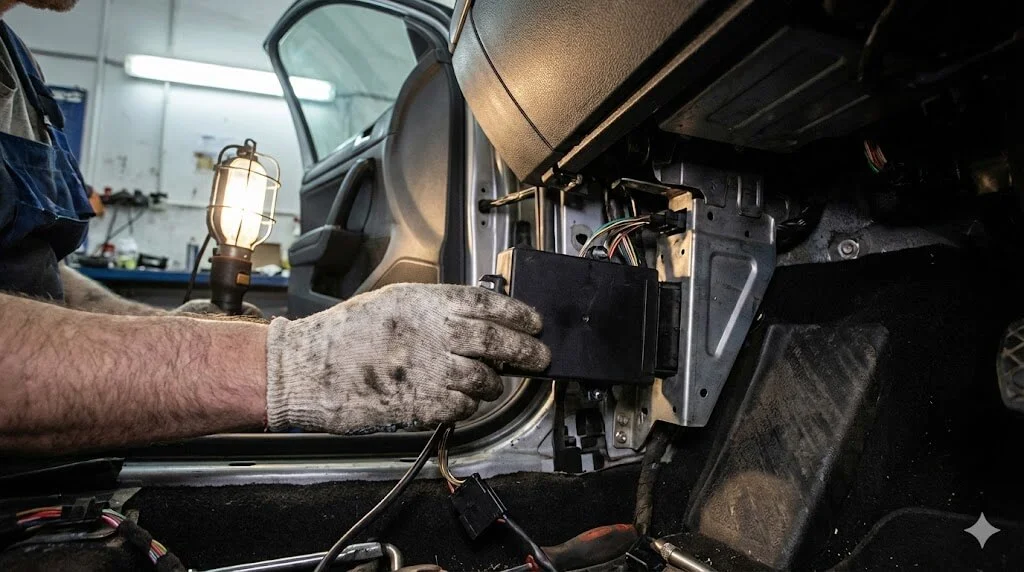
Mechanics will default to this. They mount the processing unit on the side of the passenger footwell.
Pros: Your dashboard looks clean. The unit stays cooler away from direct sun.
Cons: Good luck changing your CashCard while driving. You physically cannot reach it. If you choose this, you must set up auto-top-up. Trying to lean over to the passenger side at a red light is a recipe for a slipped disc.
The Driver’s Side Option:
You can ask them to mount it under the dashboard on your side.
Pros: You can reach the card slot.
Cons: Legroom. Depending on whether you drive a roomy SUV or a compact hatchback, that unit might be knocking against your knee. Test the position before they screw it in.
2. The Touchscreen is Optional (Seriously)
A lot of drivers don’t know this. You do not have to install the touchscreen. If you think it looks ugly or blocks your view, tell the workshop to leave it out. You can check your balance on your phone app instead. But—and this is a big but—if you skip the screen, you lose the real-time alerts for school zones and bus lanes. Your call.
| Feature | Old IU | New OBU |
|---|---|---|
| Hardware | 1 Piece | 3 Pieces (Antenna, CPU, Screen) |
| Card Access | Dashboard | Footwell / Under Dash |
| Parking | Manual / Apps | Auto-Start Compatible |
Troubleshooting the Glitches
It’s new tech. Of course, there are bugs. Here are the big ones we are seeing on the ground.
Bug #1: The “Card Error” Loop
You put your NETS FlashPay card in, and it screams at you.
The Fix: The OBU is picky. It really wants you to use the new NETS Motoring Card or the EZ-Link Motoring Card. Those older generation cards you’ve been hoarding? They often have chip compatibility issues with the new reader. Just spend the $5 and get a new card.
Bug #2: Tunnel Disconnects
“Satellite system” sounds like it won’t work in the KPE tunnel, right? Actually, it works fine. There are beacons inside the tunnels. If your unit goes dead in a tunnel, it’s not a system flaw; it’s a loose cable or a bad antenna placement on your specific car. Go back to the workshop.
What This Means for Residents
For the average Singaporean driver, this transition is mostly about changing habits.
First, the era of “swapping cards” is dead. With the processor tucked away in the footwell, you are essentially forced to adopt a cardless lifestyle. Services like MotorPay or vCashCard are no longer optional conveniences; they are necessities if you don’t want to crawl on the floor mat to top up a card.
Second, resale value matters. Used car dealers are already starting to ask, “Installed ERP 2.0 yet?” If you haven’t, it’s a bargaining chip against you because nobody wants to deal with the admin of booking the appointment. It’s becoming a baseline standard.
Official Context
This rollout is managed by the Land Transport Authority (LTA). Vehicle owners must wait for the official notification letter before booking. Unauthorised swaps or installations outside the window may incur fees. Check OneMotoring for the list of authorised centres.
🧠 Editor’s Bottom Line
“Look, I hated the idea of the 3-piece unit when I first saw it. It felt clunky. But after using it for a week? I hid the processor in the footwell, set up auto-top-up, and forgot about it. The screen is actually surprisingly useful for reminding me about bus lane hours. It’s ugly, but it works.”