
Singapore Screen Eye Strain Guide: Daily Fixes



Between the 9-to-6 office grind, scrolling during the MRT commute, and Netflix at home, our eyes are under constant siege. If you finish your day with a headache and “sandy” eyes, you are likely experiencing the hidden cost of our digital life.
🔥 TL;DR: Too busy at work? Read this!
- The Problem: Air-con dryness + “Focus Lock” is killing your eyes.
- The 20-20-20 Rule: Every 20 mins, look at something 20ft away for 20 seconds. (Confirm works!)
- Quick Tip: Your monitor top should be at eye level. Don’t “turtle neck” at your desk.
- Must-Do: Drink your Kopi, but also drink water. Hydration is key for tears.
In a hyper-connected city like ours, screen eye strain Singapore residents experience is nearly universal. We move from one screen to another with almost zero “visual rest.” While we often worry about our posture or our diet, we rarely think about the tiny muscles inside our eyes that are working overtime every single second we stare at a glowing rectangle.
Identifying digital eye strain symptoms early is the difference between a minor annoyance and a chronic problem. From dry eyes from screens to the dreaded blurred vision computer use, here is how to protect eyes from screen time without quitting your job or throwing away your phone.
Why Screen Eye Strain Is Increasing in Singapore
Our environment is a perfect storm for eye fatigue. Most eye fatigue office workers Singapore face is exacerbated by the “triple-screen loop”: working on a monitor, checking a phone, and then relaxing with a tablet. We don’t just use screens; we live through them.
Furthermore, our indoor environments play a massive role. In a dry, air-conditioned office, the rate of tear evaporation increases. This means how humidity affects eye comfort indoors is actually a major factor — the low humidity in our buildings makes dry eyes from screens feel significantly worse than they would in a natural environment. If you want a deeper breakdown of how cooling systems impact irritation and throat dryness, see our
air-conditioning health impact guide.
Common Symptoms People Experience
Most people don’t realize they have screen eye strain symptoms until they are quite severe. The most common signals include:
- Dryness and Irritation: A gritty feeling, as if there is dust in your eye that won’t wash out.
- Blurred or Shifting Focus: Noticing blurred vision after long work sessions where it takes a few seconds for your eyes to adjust when looking at a distant object.
- Headaches: Specifically “tension” headaches that start behind the eyes or at the temples toward the end of the day.
- Neck and Face Tension: Squinting at a screen causes you to tighten your jaw and neck muscles, creating a “tension overlap.”
If you find yourself reaching for painkillers or eye drops after long screen sessions, make sure you understand what you’re taking. Many people unknowingly combine overlapping ingredients or choose the wrong category of relief products. Our
Singapore OTC medicine guide explains how pharmacy shelves are structured and how to avoid common mistakes.
🧐 Quick Check: Are your eyes “Sian” already?
Tick if you feel these today:
Result: If you ticked more than 2, your eyes are working OT (Overtime) for free. Time for a break, lah!
What Actually Causes Digital Eye Strain
It isn’t just the light; it’s the behavior. When we look at a screen, we experience “Focus Lock.” Your ciliary muscles (the muscles that shape your lens) are held in a fixed, tensed position for hours. Imagine holding a 5kg weight with your arm at a 90-degree angle; eventually, the muscle will tremble and ache. This is how automation changes daily office routine eye habits—we no longer look away to file papers or talk to colleagues; we just stay locked on the screen.
👁️
Try this: The “Hard Blink” Reset
Since we blink 60% less when staring at monitors, try to close your eyes tightly for 2 seconds and open them. Do this 5 times now. Feel the moisture come back? That’s your natural tears doing the work!
Another major cause is reduced blinking during screen use. Normally, we blink about 15-20 times per minute. When focusing on a digital device, that rate drops to about 5-7 times. Every time you don’t blink, your eyes lose moisture. This is why my eyes feel dry after screen use—it’s a physical lack of lubrication.
Daily Habits That Quietly Make It Worse
We often ignore screen exposure health effects until the pain starts. Marathon work sessions without breaks are the primary culprit. If you work for four hours straight without looking away from your monitor, you are essentially “red-lining” your visual system.
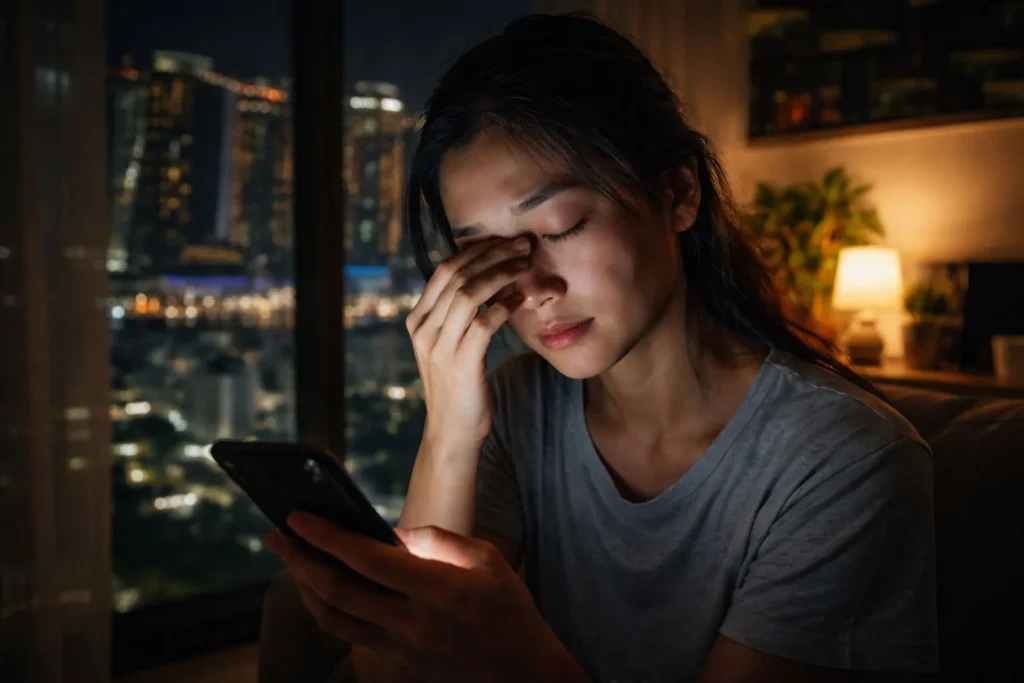
Poor lighting and glare also contribute. If there is a window reflecting on your screen, or if your office lighting eye comfort is poor (too bright or too dim), your eyes have to work harder to distinguish contrast. Late-night device use in a dark room is also a computer vision syndrome tips “don’t”—the high contrast between the dark room and the bright screen causes intense fatigue.
Practical Habits That Help Protect Eye Comfort
To how to protect eyes from digital devices, you need daily habits to prevent eye fatigue that are easy to repeat:
- The 20-20-20 Rule: Every 20 minutes, look at something 20 feet away for at least 20 seconds. This allows the ciliary muscles to relax.
- Blink Awareness: Place a “Blink!” sticky note on your monitor. It sounds silly, but “manual blinking” is a vital office workers eye health routine.
- Screen Setup: Your screen should be about an arm’s length away, with the top of the monitor at or slightly below eye level. This reduces the surface area of the eye exposed to the air, slowing evaporation.
| Device Type | Ideal Distance | Eye Level |
|---|---|---|
| Desktop Monitor | 50cm – 70cm (Arm’s length) | Top of screen at eye level |
| Laptop | 50cm (Use a riser!) | Slightly below eye level |
| Smartphone | 30cm – 40cm | Chest level, bring it up |
Workday Eye Comfort Routine
- Morning Setup: Check for glare. Adjust your screen brightness so it matches the surrounding light in your office.
- Midday Reset: During your lunch break, try a “screen-free” 30 minutes. Look at the greenery in the park or the distant skyline to reset your focus.
- Evening Wind-Down: Use “Night Mode” filters that reduce blue light, and try to stop using screens at least 60 minutes before bed to allow your eyes to recover.
🌙 The “Digital Sunset” Habit
Try to lower your screen brightness by 10% every hour after 8 PM. This mimics the natural sunset and tells your brain (and eyes) that the day is ending. Your sleep quality will improve too, double win!
A personal note: I used to get massive headaches every Wednesday and Thursday. I thought it was just the “mid-week slump.” I went to an optician who told me my prescription was fine, but my eyes were “locked.” I started using a simple screen eye strain solutions Singapore-based app that dimmed my screen every 20 minutes to remind me to look out the window. Within two weeks, the headaches were gone. I realized I wasn’t “sick”; my eyes were just exhausted.
Quick Checklist (Save This)
✅ Do This
- Follow the 20-20-20 rule religiously.
- Position your screen 50-70cm away from your face.
- Increase the font size if you find yourself leaning forward to read.
- Use a matte screen protector to reduce glare from office lights.
- Ensure your office lighting eye comfort is balanced (not too bright).
- Drink plenty of water; general hydration helps how to reduce eye dryness.
- Practice “full blinks”—make sure your eyelids touch completely.
- Keep your screen clean; dust and fingerprints reduce contrast.
- Adjust your monitor’s color temperature to warmer tones in the evening.
- Get a regular eye exam to ensure your prescription is up to date.
❌ Avoid This
- Do not use your phone in total darkness before bed.
- Do not sit directly under an air-con vent that blows on your face.
- Do not ignore blurred vision after long work sessions; it’s a warning.
- Do not rub your eyes when they feel dry; use lubricating drops instead.
- Do not lean too close to the screen (the “turtle” posture).
- Do not assume “Blue Light Glasses” are a magic fix for poor habits.
- Do not skip your screen breaks productivity health intervals.
- Do not use a screen that is much brighter or dimmer than your environment.
- Do not wait until your eyes hurt to start these eye care daily habits.
- Do not forget that your phone screen counts as “screen time” too!
Official Resources & Support
For professional eye care and official guidelines in Singapore, visit:
What’s your “Save My Eyes” secret?
In Singapore, we work hard, but we need to protect our vision. Do you use specific eye drops, or do you have a favorite spot in the office to look at the greenery?
👇 Share your tips in the comments below! Don’t keep all the good lobang to yourself!
Editorial Note
This guide is written for readers navigating screen-heavy work and daily commuting routines in Singapore. It focuses on lifestyle awareness and habit-building, not medical diagnosis. If symptoms persist or worsen, consult a licensed optometrist or healthcare professional.