Singapore Emergency Alerts Explained: What Each SMS Means (2026)


In a world of constant notifications, one sound cuts through the noise. But when your phone screams at you, do you panic, ignore it, or verify it? Here is the manual for the messages that actually matter.
The Sound You Can’t Mute
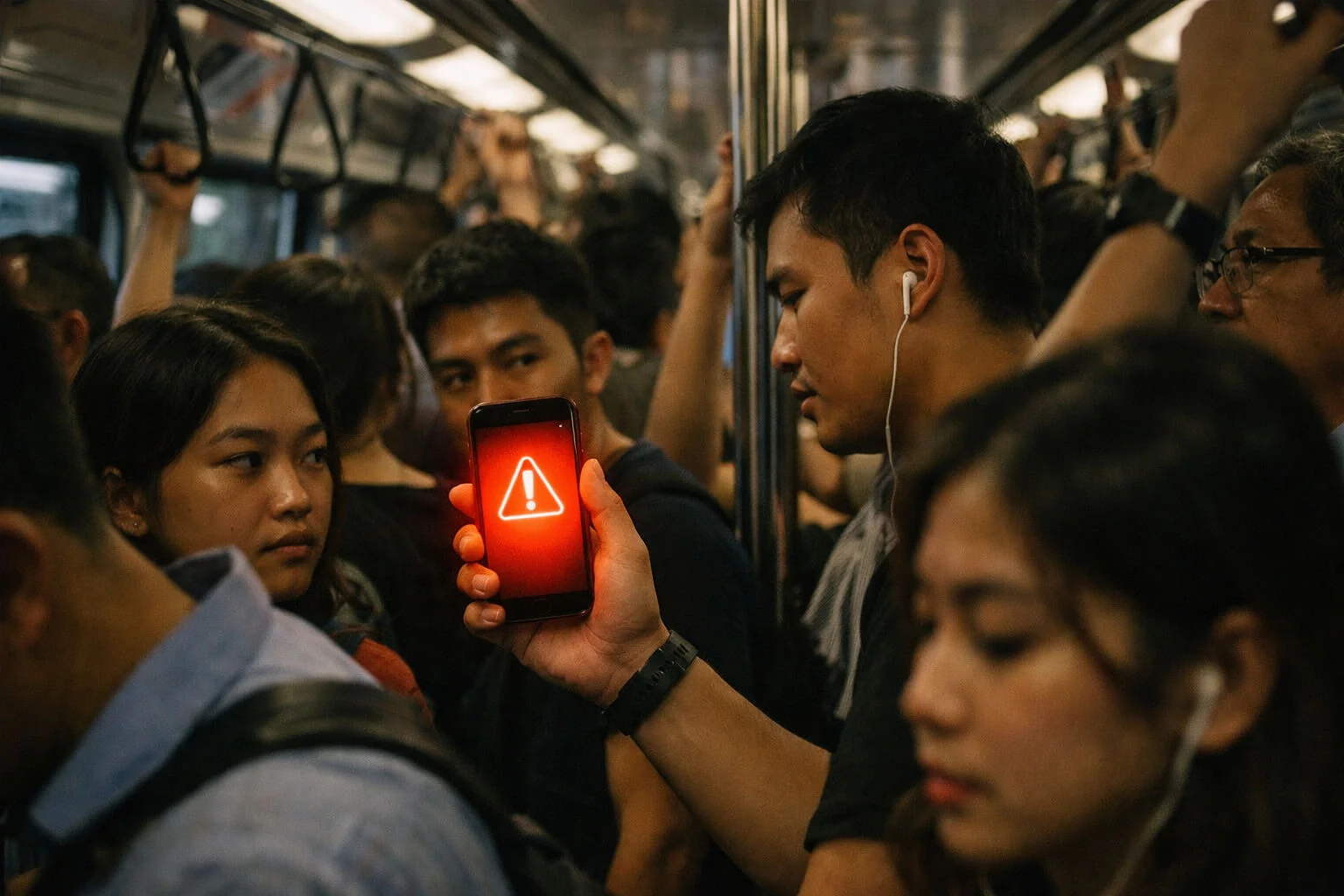
It usually happens when you least expect it. You’re on the MRT, or maybe fast asleep. Suddenly, every phone in the carriage—or the bedroom—erupts with a jarring, discordant alarm tone. It’s not a ringtone. It’s a siren in your pocket.
You look at the screen. A pop-up message overlays everything else. “PUBLIC WARNING SYSTEM.”
For a split second, the air changes. Is it real? Is it a test? Or is it another sophisticated scam SMS Singapore residents are plagued by?
Understanding the Singapore emergency alert SMS system isn’t just about tech literacy; it’s about safety. In 2026, the line between a life-saving warning and a malicious phishing attempt is thinner than ever. We need to know exactly what does this alert SMS mean in Singapore, and more importantly, how to react without freezing up.
If you’ve noticed Singaporeans reacting differently to official updates lately, you’re not imagining it — there’s a wider shift in how public announcements land.
The Official Channels: What Is Real?
Singapore uses a multi-tiered alert system. Not every beep is a crisis. Here is the hierarchy of noise.
1. The Public Warning System (PWS) Alert
This is the big one — but it’s important to understand what it actually is in Singapore.
What it is: The Public Warning System (PWS) is a nationwide network of sirens managed by SCDF, used to warn the public of imminent threats that could endanger lives and property.
What you may see on your phone: During the annual island-wide PWS sounding, the signal can also play briefly on smartphones that have the SGSecure mobile app with notifications enabled, accompanied by a short text notice about the test.
Your move: Read carefully, follow instructions, and don’t call emergency lines just to “ask what’s happening.” Verify via official channels instead.
2. The “SGSecure” Notification
If you have the app installed (and you should), you might get a ping that is less intrusive than the PWS but still important.
What it means: Usually localized incidents. A cardiac arrest nearby (for responders), a minor fire, or suspicious items reported.
3. The “Gov.sg” SMS
These come via standard SMS channels (WhatsApp or Messages). The sender ID will usually be “gov.sg” (lowercase is possible in older systems, but look for the specific sender ID protection).
What it means: Policy updates, health advisories (like during the pandemic), or scam alerts.
The Grey Zone: “Is This a Scam?”
This is where it gets messy. Scammers are experts at mimicking panic. They know that if they send a message saying “URGENT: BANK ACCOUNT LOCKED” or “EMERGENCY: FINE PENDING,” your brain switches to survival mode.
This blurred line between real alerts and fake urgency is part of a broaderquiet policy fatigue response many residents describe.
How to Tell the Difference Immediately
1. The Link Test
Official Emergency Alerts: Almost NEVER contain clickable links. They give instructions (“Tune in to radio,” “Evacuate to open ground”).
Scam Alerts: ALWAYS contain a link (“Click here to verify,” “Pay now at bit.ly…”).
Rule of Thumb: If an “emergency” message asks you to click a link, it is 99% a trap.
2. The Request for Action
Official: Asks you to do something physical (Stay inside, Move away).
Scam: Asks you to give something (Password, OTP, Money).
3. The Sender ID
Since the SSIR (SMS Sender ID Registry) was implemented, unauthorized senders effectively appear as “Likely-SCAM” or generic numbers. Official government messages will appear under a protected header like gov.sg, MOH, or DBS.
What to Do When the Phone Screams
Scenario A: The “Flash Flood” Alert
Message: “PUB: High flood risk at Orchard Rd/Scotts Rd junction. Avoid area.”
Action: If you are driving towards Orchard, reroute. If you are walking there, move to higher ground or inside a building. Do not ignore it.
Scenario B: The “Bank Alert” (Scam)
Message: “+65 9123 4567: DBS ALERT. Unusual login attempt. Click dbs-secure-login.com to verify.”
Action:
1. Look at the number. +65 mobile number? Fake. Banks don’t use mobile numbers.
2. Look at the link. dbs-secure-login.com? Fake.
3. Do nothing. Delete the message. If you are worried, call the official bank hotline (from the back of your card).
The “Total Defence” Test Day
SCDF sounds the PWS “Important Message” signal island-wide as a public familiarisation exercise. Typically, this happens on 15 February (Total Defence Day) and 15 September at 6:20pm.
One-off note for 2026: To mark the start of Exercise SG Ready, the PWS will sound on 1 February 2026 at 3:00pm instead of 15 February this year. After 2026, the system returns to the usual Total Defence Day schedule.
If recent updates have felt more frequent — and reactions more muted — you may also relate to thequiet shift after the latest update, where people verify first and react second.
A Note on “Silence” Mode
Many people ask: “Will I hear the alert if my phone is on silent?”
For the high-priority Public Warning System alerts (like missile threats or major disasters), YES. The system is designed to override the silent switch on modern smartphones (Emergency Alerts settings). For lower-tier SMS alerts? No, they will just vibrate.
What You Can Ignore
You can safely ignore:
- Messages claiming you have a “pending package” from SingPost (unless you actually ordered something and verified the tracking number on the official app).
- Messages saying “Job Offer: Earn $500/day” (This is never real).
- Messages from “High Court” claiming you have a lawsuit. The courts do not serve subpoenas via SMS.
Official Context
The SCDF (Singapore Civil Defence Force) manages the Public Warning System. For more details on the signals and what they mean, visit the SCDF website. To verify suspicious messages, you can use the official ScamShield app.
🕰️ One Small Moment
“During the last island-wide siren test, I was in a hawker centre. The siren wailed. For a moment, nobody moved. Then, an old uncle at the next table looked at his watch, nodded, and said loudly, ‘Total Defence Day. Eat your rice.’ The tension broke. We all smiled. In Singapore, even the apocalypse has to wait for lunch.”
- PWS clarification: In Singapore, PWS refers to the SCDF siren network (not a standard clickable “SMS alert”). Phone notifications during the test are associated with the SGSecure app when enabled.
- Date accuracy: Update the annual siren test section — 2026 has a one-off change (1 Feb 2026, 3pm) before returning to the usual Total Defence Day schedule in following years.
- Anti-scam cues: Keep the “link test” and “OTP/money request” rules prominent; they are high-salience takeaways for Google Discover readers.